Release 6.7.3
06 Nov. 2025
Equipment Activity Enhancement
We added a new data source for the equipment activity feature.
You can now provide the activity status of your equipment via Teltonika devices through the pulse counting functionality of their digital inputs.
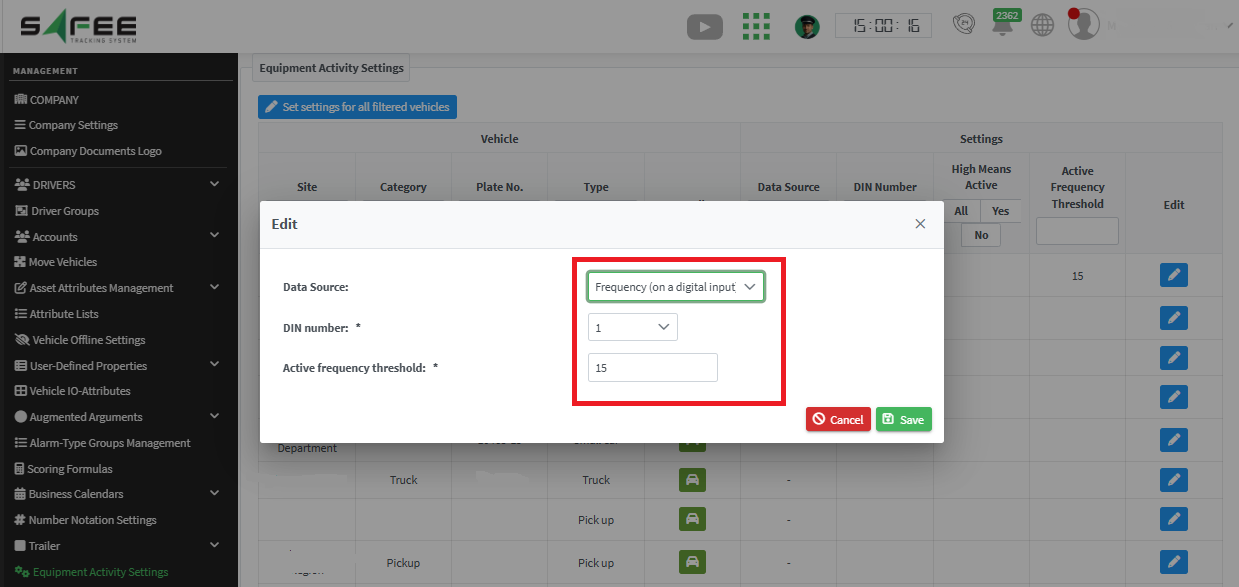
The frequency info of the digital inputs of Teltonika devices is expected to be received via the parameter numbers (622 & 623).
Setup on the Platform
- Go to the Management tab in the Company Admin account
- Open “Equipment Activity Settings”
- Click “Edit” in the corresponding row
- In “Data Source”, select Frequency (on a digital input)
- Choose which digital input number is in use
- Set the activity threshold —
if the received frequency is greater than the set threshold, the equipment is considered “ACTIVE”
After setup, you can check the activity / non-activity periods in the Equipment Activity report.
Monitoring Page Enhancements
We now offer a more continuous and reliable monitoring experience by introducing:
- Robust session persistence
- Enriched vehicle data
Key Improvements
Session Persistence
- User-selected vehicle information now remains consistent across logout/login
- Navigation between pages no longer resets your selected vehicle data
- Geo-units visibility is preserved and restored when returning to the monitoring page
Information Display
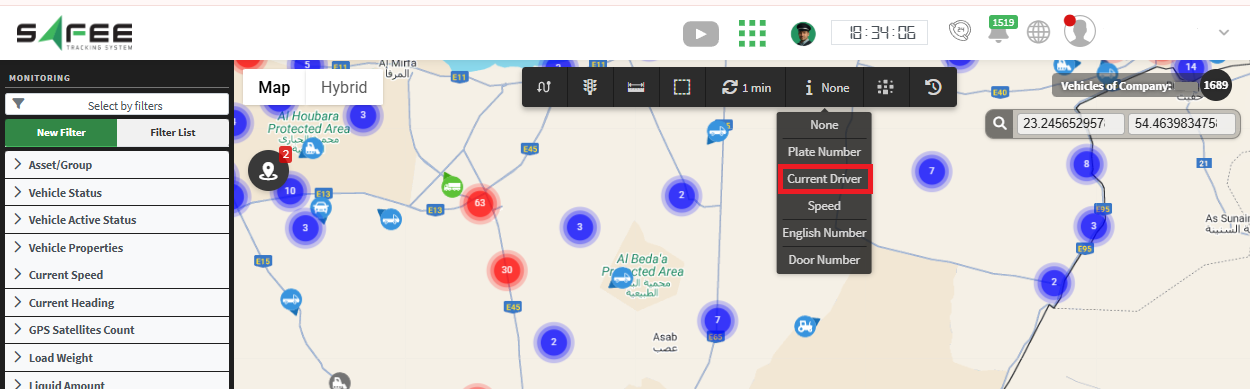
- A new “Current Driver” field has been integrated into the vehicle information list
Geofence Backtrack Report Exporter
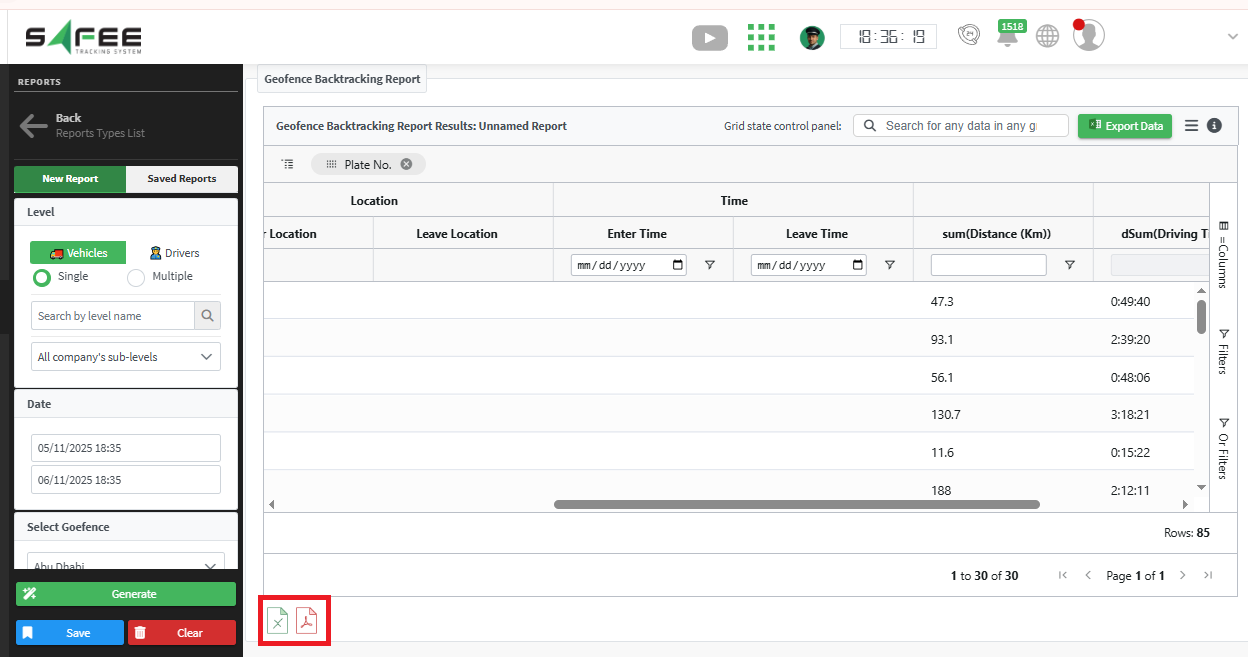
A new export capability has been added to the Geofence Backtrack report, allowing users to download and analyze backtrack data efficiently.
Export Functionality
- Added Excel and PDF exporters specifically for the Geofence Backtrack report